In plain English
A tool that makes on-brand social posts in seconds. Speakers, partners, and volunteers pick a template, drop in their text and photo, and export a finished image or video. No designer needed, and everything matches the brand.
End-to-end · Solo build
Marketing Kits
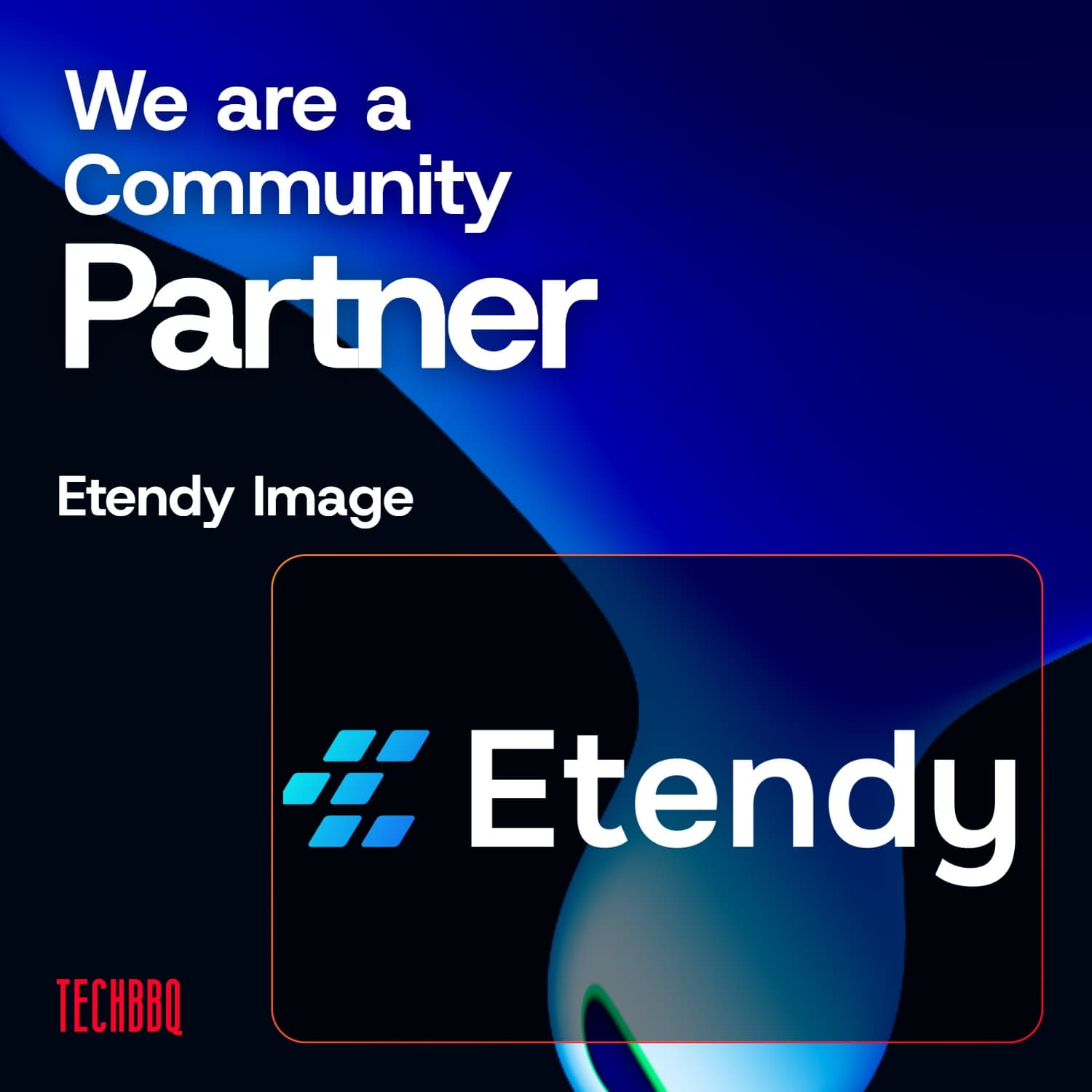
A narrow, TechBBQ-specific personal-template generator. Pick a template (I am Speaking, We are a Community Partner, I am Attending, +5 more), drop in a photo or logo, pick a TechBBQ-brand background, type your name. Export to JPG or MP4. Brand-locked by design, ships an on-brand post in under two minutes.
Try it
Ship an on-brand TechBBQ post in two minutes
Pick a template, drop in your photo, type your name, hit Download. No signup, no install, JPG or MP4.
By the numbers
Templates
7
Speaking, Attending, Partner, +4
Backgrounds
12
Liquid-metal shader presets
Logo variants
3
Red, white, gradient
Stack cost
Free
Vercel free tier
Why I built this
Every TechBBQ event triggers the same scramble. Speakers, partners, investors, volunteers, and attendees all need an on-brand social post announcing their role. The design team gets asked the same five questions and produces the same five graphics over and over.
So I built a tiny, single-purpose generator. Seven templates (I am Speaking, I am Attending, I am Hosting, I am an Investor, I am a Volunteer, We are a Partner, We are a Community Partner). Three steps: drop a photo or logo, pick a background, type your name. Brand-locked by design, no way to use the wrong logo or the wrong typeface. Export JPG or MP4 and post.
The tool deliberately does less than the multi-format canvas editor I prototyped earlier. The whole product is one page.tsx. The narrow scope is the point: it does exactly this one job perfectly, and TechBBQ teammates can use it without being trained.
How it works
Pick a template
Seven role-specific templates. Each one auto-arranges the canvas, sets the right prefix/main copy ("I am" / "We are a"), and picks the right slot shape (square photo for personal, wide rectangle for partner logos).
Drop a photo or logo, pick a background
Upload, drag to position, scroll to zoom. 12 liquid-metal shader backgrounds, 3 TechBBQ logo variants (red, white, gradient) all pre-cached so switching is instant. Visibility toggles let you hide the photo or name entirely.
Type your name, export
Name + optional title or company. Two export buttons: JPG (still post) or MP4 (animated, shows the shader background motion). Both render at exact canvas resolution. No signup, no save state.
Key features
7 role-specific templates
Speaking, Attending, Hosting, Investor, Volunteer, Partner, Community Partner. Each one auto-arranges the canvas with the right prefix and slot shape.
12 liquid-metal backgrounds
@paper-design/shaders-react WebGL presets across warm, cool, and shaped palettes. CSS-gradient thumbnails for the picker dodge the browser's ~16 WebGL context limit.
3 TechBBQ logo variants
Red, white, and gradient. All three pre-cached on mount so switching is instant in the preview and carries through to exports.
Visibility toggles
iOS-style switches hide the photo/logo slot or the name+title block entirely. Hidden elements skip the upload UI AND export pipeline, not just display:none.
JPG + MP4 export
JPG via html-to-image at exact canvas resolution. MP4 via mp4-muxer captures the live shader background plus all overlays into a real video.
Drag, pan, zoom on photo
Photo slot supports click-drag to reposition and scroll-to-zoom. Fixed slot shape per template keeps the layout stable even with portrait or landscape source images.
Tech stack
Frontend
React compiler on, single client-side page (src/app/page.tsx), no API routes, no backend
Canvas + Export
WebGL liquid-metal shader backgrounds, JPG export via html-to-image, MP4 export via mp4-muxer with canvas drawImage for overlays
Analytics
Anonymous page + event tracking only, no personal data captured
Under the hood
Everything happens right in your browser, with no server, no accounts, and nothing to save. That keeps it free to run and means your photo never leaves your own machine.
Each role, such as Speaking or Partner, is its own ready-made template, so adding a new one later is quick and the layout always lands on brand without anyone fiddling with it.
Brand & creative
Marketing posters and animated creative
Two brand posters and an animated 9:16 creative generated with Pomelli, Google's AI brand toolkit.
 Hype poster
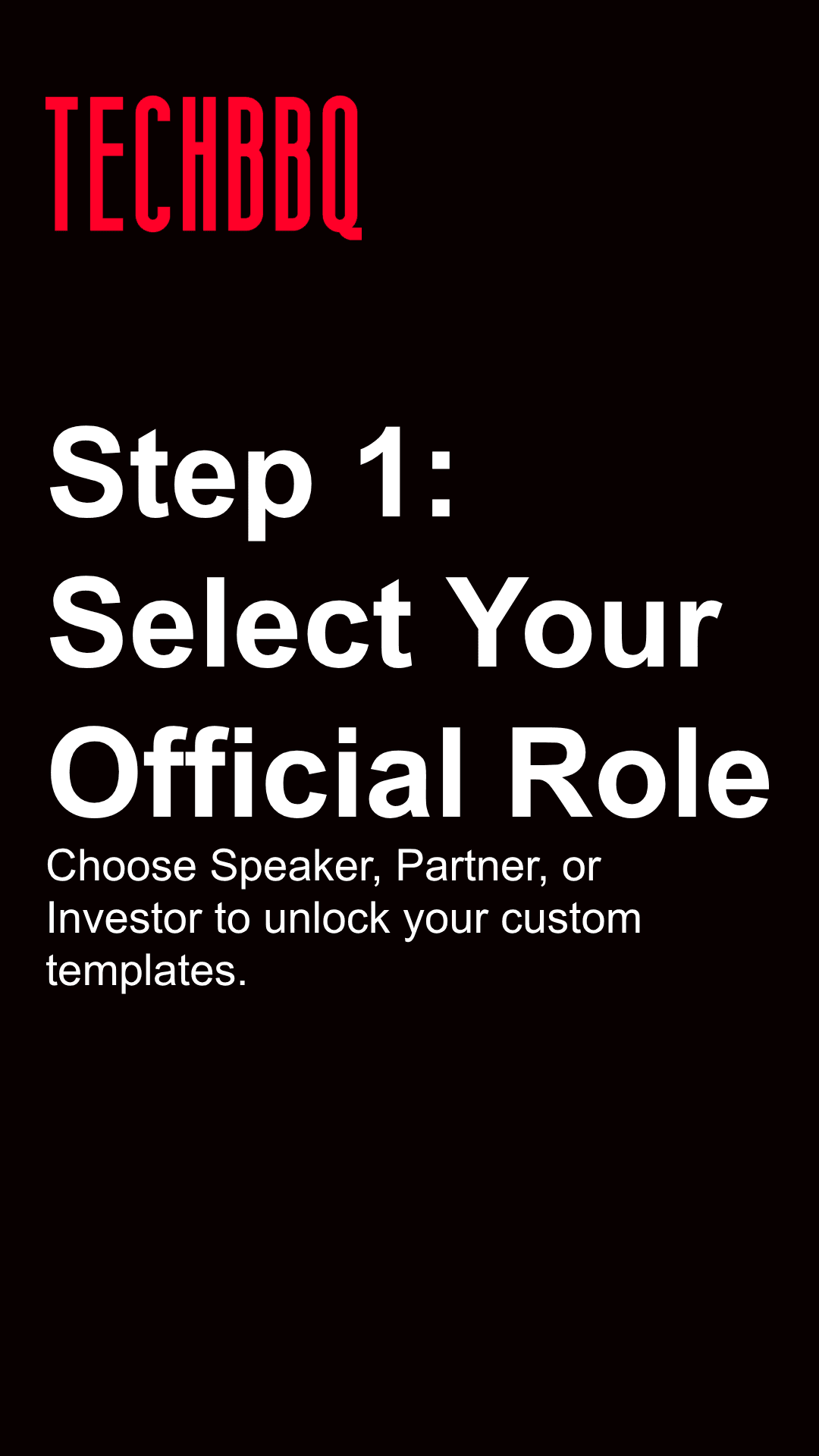 How it works
Made with the tool
Real output, exported straight from the editor
The MP4 below was composed in Marketing Kits and exported directly from the canvas. Same shader background, same photo + name layers, same one-click MP4 pipeline that any TechBBQ teammate has access to.
"I am Speaking" social post composed in Marketing Kits and exported as an MP4
3-step walkthrough
From blank template to exported post in 90 seconds
The whole product is three steps and one keystroke for export. Brand-locked, so there's nothing to break.
Pick a template
Seven role-specific templates. Click one and the canvas auto-arranges with the right prefix copy and slot shape.
Photo, background, logo
Upload your photo or logo, drag to position. Pick from 12 liquid-metal backgrounds and 3 TechBBQ logo color variants.
Type your name, export
Add your name + optional title or company. Hit Download JPG for a still post or Download MP4 for an animated one.
Common questions
Is it free and open to anyone?+
Yes. Live URL is public, no signup, no install. The brand is TechBBQ-specific (logo, fonts, color palette) so it's really only useful if you're posting about a TechBBQ event, but anyone can play with it.
Why so narrow? Why not a general canvas editor?+
I prototyped that first. It was too much surface area for the actual job to be done. Brand-locked, single-purpose, three-step is what made it usable without training. The general editor lives on in a different repo as a sandbox.
Can I add my own brand instead of TechBBQ?+
Not without forking the code. Brand colors, logo, fonts, and the shader palette are hard-coded. A per-org config + custom logo upload is on the roadmap if other small communities want the same shape of tool.
How does the MP4 export actually work?+
mp4-muxer encodes a sequence of frames into a real .mp4 file in the browser. Each frame is captured by drawing the shader background plus all overlays into a 2D canvas via drawImage, then handed to the muxer. End result is a downloadable MP4 with the animated background, same length as the shader cycle.
Does it work on mobile?+
Desktop-first. Drag + scroll-to-zoom on the photo slot doesn't translate cleanly to touch gestures yet. Stays on the roadmap.
What happens to my photo?+
Stays in the browser. No upload, no server, no backend at all. The whole product is a single client-side page. Once you close the tab, it's gone.
What I learned
- ·Doing less wins. I first built a full canvas editor with every bell and whistle, and nobody used it. Cutting it down to a few templates and three steps got the whole team on board overnight.
- ·Taking away the ability to get it wrong was the point. When people cannot pick the wrong logo or font, they stop asking the design team for help, because there is nothing left to mess up.
- ·Loading things people will switch between ahead of time, like backgrounds and logo colours, makes the whole tool feel instant and effortless.
What's next
Honest roadmap. Things I know are gaps, in priority order.
Mobile-friendly photo controls
Drag and scroll-to-zoom assume a mouse and wheel. A pinch-zoom + touch-drag mode would unlock mobile composition (which is how most attendees actually post).
More templates
Seven covers the most-requested roles but Jury, Mentor, Workshop Host, and Press would round it out. Each new template is one TEMPLATE_CONFIGS entry plus a slot-shape rule.
Multi-brand config
Hard-coded TechBBQ brand today. A per-org config (logo, color, fonts, copy presets) would let other small communities run their own version. Same code, different brand pack.
Polish the MP4 export UX
Export works (the sample on this page came out of it) but the surfacing is rough: no progress bar, no length picker, no format presets. Could be cleaner before a wider team launch.