In plain English
An assistant that writes your email replies in your own voice. It learns how you normally write from your past emails, then drafts ready-to-send responses right inside Gmail, so clearing your inbox takes a fraction of the time.
End-to-end · Solo build
Email Responder
A Chrome extension that learns your writing style from sent emails and auto-drafts Gmail replies. 8 AI providers, knowledge base uploads, multi-account switching, all data local.
Try it
Add it to Chrome in two clicks
Free. Bring your own API key. Nothing leaves your browser except your chosen LLM call.
By the numbers
Live since
Apr 2026
On Chrome Web Store
Installs
73
86% from US
AI providers
8 LLMs
Claude, OpenAI, Gemini, +5
Stack cost
Free
User brings own keys
Why I built this
I kept seeing Fyxer everywhere. LinkedIn ads, X posts, real funding rounds for AI email replies. My honest first reaction was: I can build that.
Not as sophisticated, not VC-funded, no team. But the core mechanic, learn someone's writing style, draft replies that sound like them, decide which emails to skip, is a weekend of architecture and a few weeks of iteration. So I shipped it as a Chrome extension. Free, bring your own API key, all data stays local.
73 people are quietly using it. Most are in the US. I don't know how many tried Fyxer first.
How it works
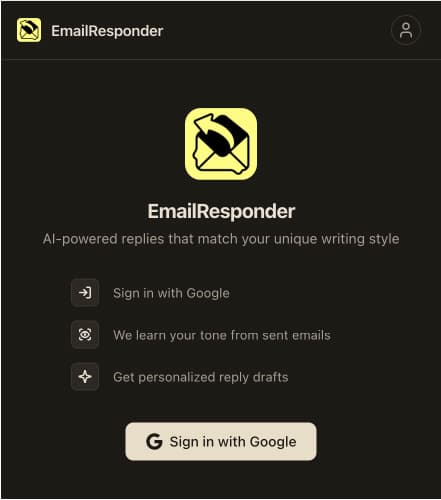
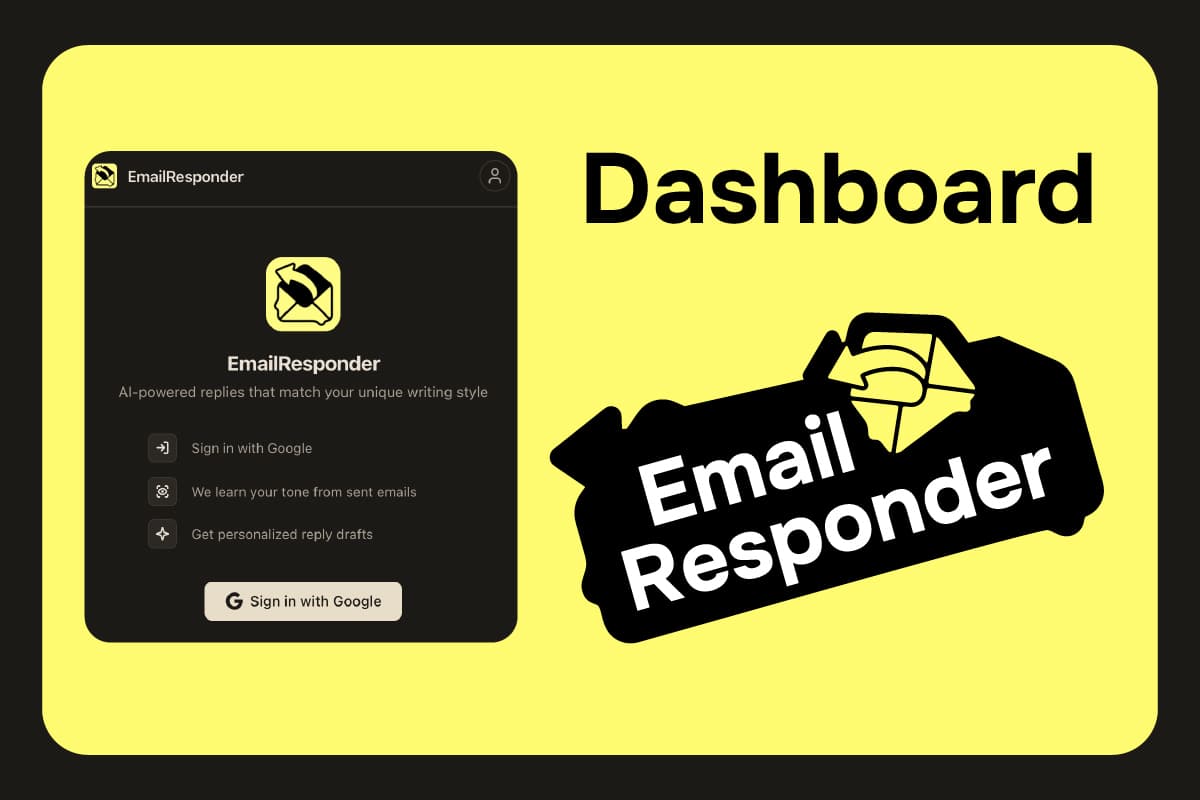
Sign in and connect your Gmail
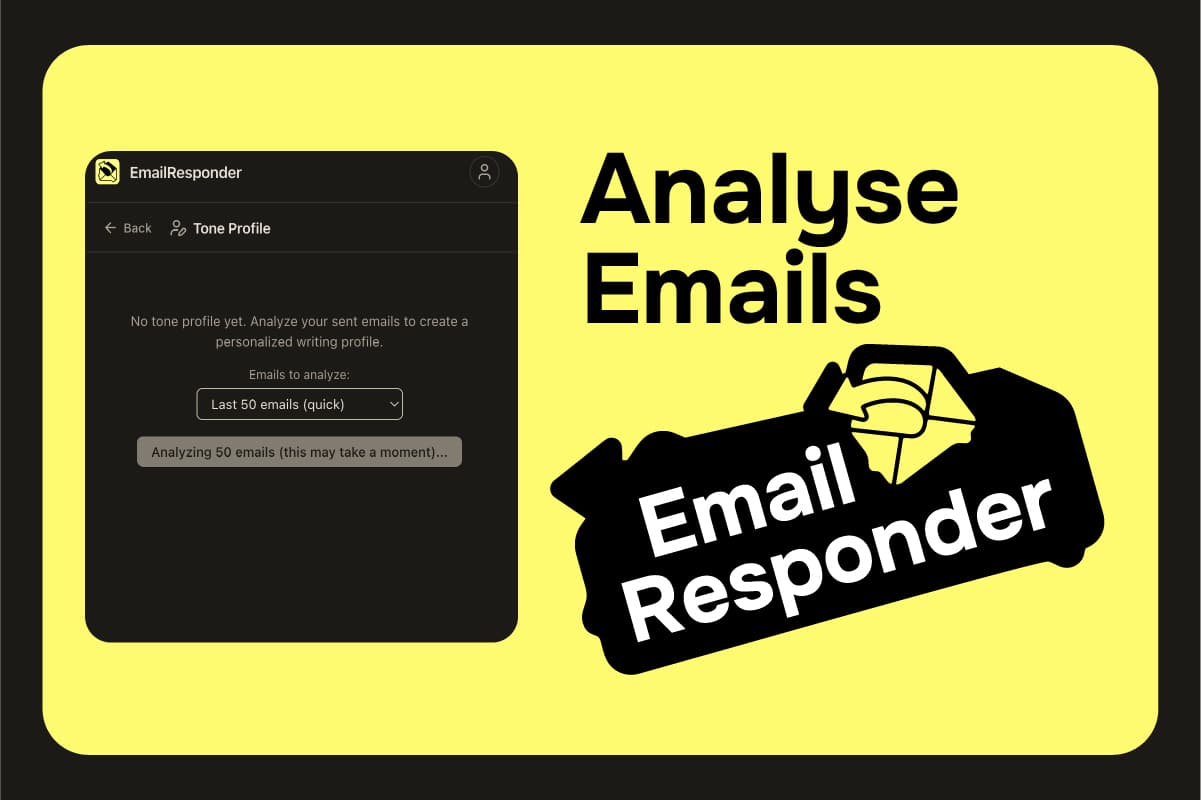
Learn your writing style
Auto-draft replies in your tone
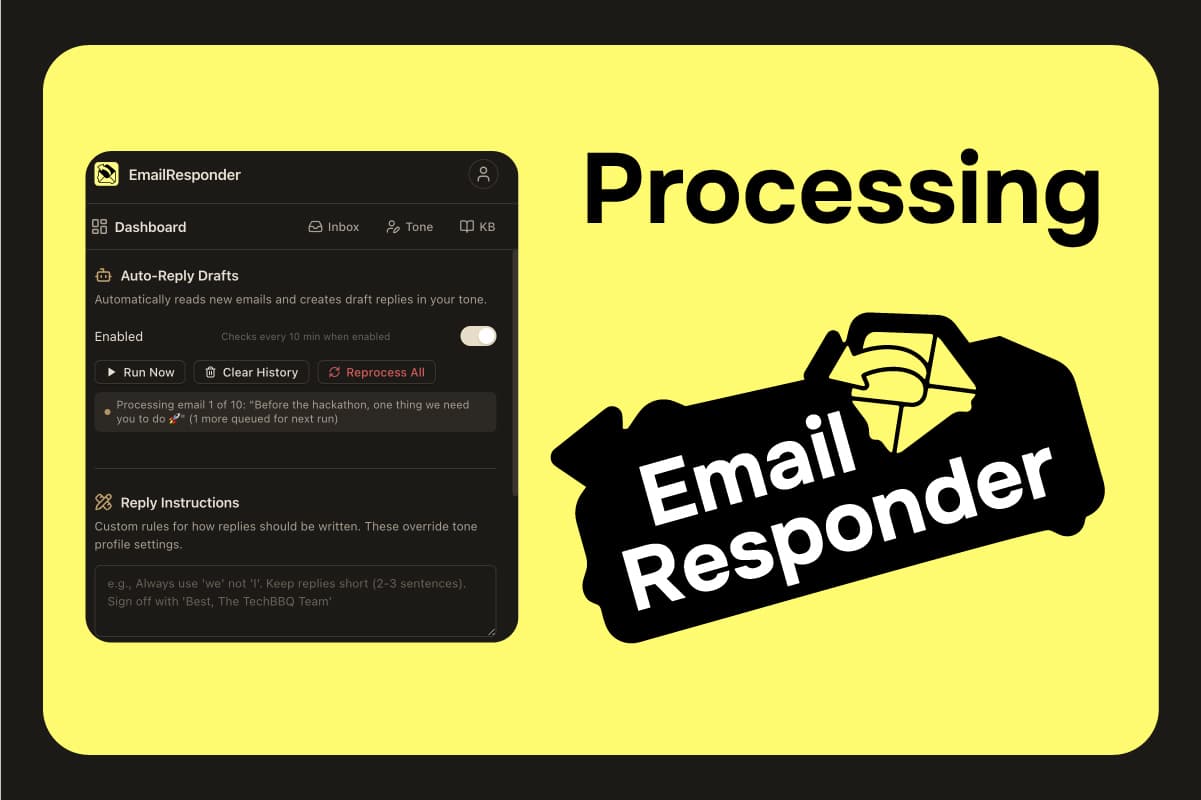
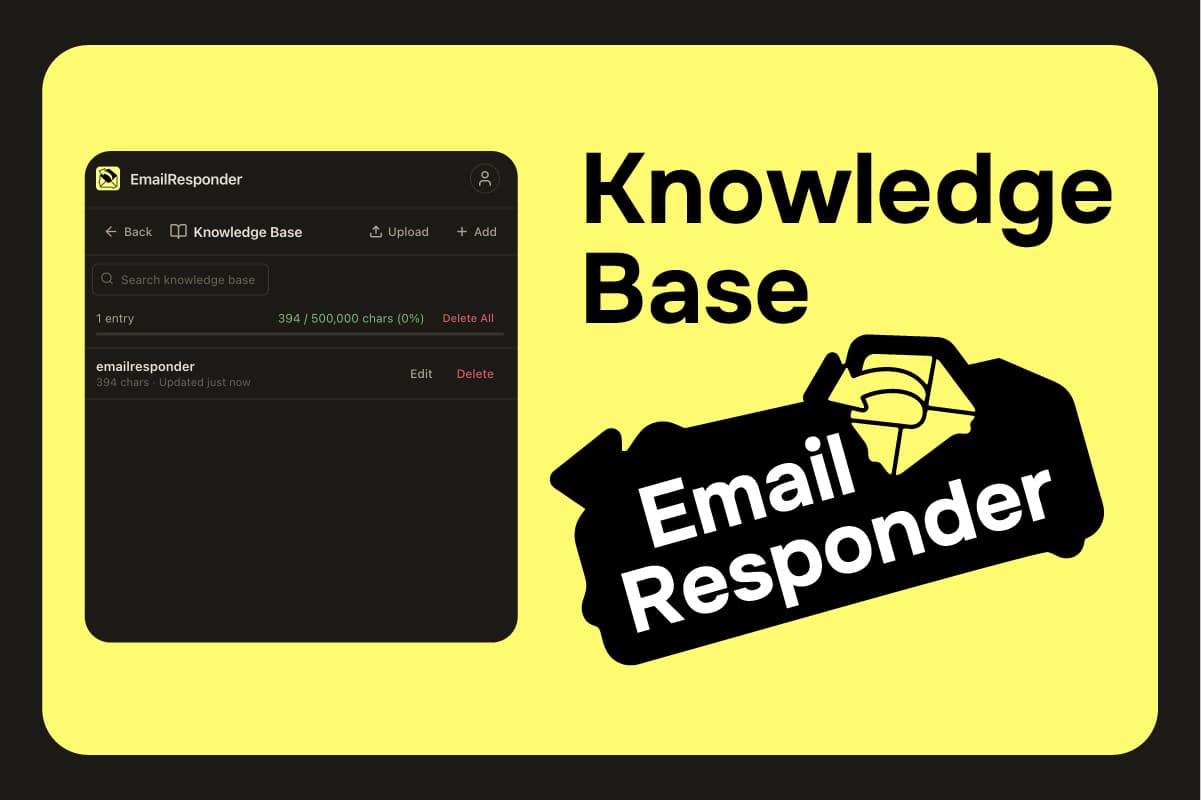
Add context with a knowledge base
Key features
Tone learning
Analyzes sent emails to extract formality, greetings, vocabulary, humor, and characteristic phrases
8 AI providers
Claude, OpenAI, Gemini, Grok, DeepSeek, Qwen, Kimi, GLM, switch anytime
Knowledge base
Upload company docs, product info, or FAQs as .md/.txt/.zip to improve reply quality
Multi-account
Switch between Gmail accounts with independent settings and tone profiles for each
Smart filtering
Skips newsletters, automated emails, non-English, calendar invites, and thank-you messages
Activity log
Tracks last 50 actions: which emails were drafted, which were skipped, and why
Tech stack
Extension
Manifest V3, vanilla JavaScript with ES modules, no build step
AI Providers
Also supports OpenAI, Grok, DeepSeek, Qwen, Kimi, and GLM
APIs and Storage
Chrome Identity (OAuth2), Chrome Storage (local-only), Chrome Alarms for scheduling
Under the hood
Everything stays on your computer. Your keys, your writing style, and the list of emails it has handled never leave your browser, and the only thing sent out is the single email being drafted, straight to the AI you picked.
It works with eight different AI services through one shared layer, so you can switch between them freely and it quietly tries another if one is busy.
Interesting details
- ·Custom English language detection using word frequency analysis: rejects emails with too many accented characters or insufficient common English words.
- ·Lightweight ZIP parser for knowledge base uploads using DataView: extracts .md and .txt files without any external library.
- ·Thread-aware replies: checks full conversation context, skips if already replied, groups by thread ID to avoid duplicate drafts.
- ·Email signature stripping removes patterns like "Sent from my iPhone" and "Get Outlook for iOS" before tone analysis to keep the profile clean.
Brand & creative
Visual identity, ads, and product photoshoot
Logo, social ad creative, and styled product photoshoot generated with Pomelli, Google's AI brand toolkit.
 Static ad
 Photoshoot
Install from Web Store
Three clicks from Web Store to drafted replies
The full setup runs on Chrome's built-in OAuth, so there's no signup form, no email verification, no separate account to manage.
Add to Chrome
Open the Web Store listing and click Add to Chrome → Add extension.
Pin and open
Pin the extension icon, click it, sign in with the Google account you want to draft from.
Paste an API key
Drop in a key from any of the 8 supported LLMs. Done. The first auto-reply pass runs within 10 minutes.
Common questions
Is it free?+
The extension is free. You bring your own API key from any of the 8 supported providers. Most users spend a few cents to a few dollars per month depending on email volume and chosen model.
Does it send my emails anywhere?+
Only to your chosen LLM provider, and only the specific email being drafted. API keys, tone profiles, and processed email IDs all live in chrome.storage.local on your machine. Nothing touches my servers because I don't have any.
Will it actually sound like me?+
Tone learning analyzes 50-500 of your sent emails to extract greeting style, formality, vocabulary, signature phrases, and humor. More analyzed emails means closer match. You can refresh the tone profile anytime.
Gmail only? What about Outlook or IMAP?+
Gmail only for now. The extension is built on Chrome Identity OAuth + the Gmail API, so Outlook/IMAP would be a different codebase. On the roadmap, not committed.
What about emails I don't want auto-replied?+
Multi-layer filtering skips newsletters, OOO replies, calendar invites, verification codes, thank-yous, and non-English. You can also add custom skip patterns per account.
What if my API key hits a limit?+
The 429 retry handler waits and retries with backoff. If the key is fully exhausted, the run logs the failure to the activity log and silently waits for the next 10-minute pass. No charges, no surprises.
What I learned
- ·The hard part of an auto-reply tool is not writing the replies, it is deciding which emails to leave alone. Getting that judgement right is what makes it feel trustworthy.
- ·Supporting eight AI services taught me how differently they all behave, even the ones that claim to be interchangeable. Hiding that mess behind one simple switch was most of the work.
- ·For a tool that reads your inbox, trust comes first. Keeping every key and draft on your own machine wasn't a feature to list, it was the whole reason it's safe to use.
What's next
Honest roadmap. Things I know are gaps, in priority order.
Saved reply templates
Right now every reply is freshly generated. A library of saved templates (for invoices, intro emails, polite passes) would cut cost and add consistency for repeat patterns.
Tone controls and overrides
The learned tone is a black box. Per-recipient or per-thread overrides (formal for clients, casual for friends) would handle the cases where the learned profile feels wrong.
Outlook and IMAP support
Most-requested feature from the 73 installs. Different codebase since it can't reuse Chrome Identity, but the LLM and tone-profile logic ports over.
Optional key proxy
Asking users to paste 8 different API keys is the biggest install friction. A self-hosted or paid proxy that handles routing would let users sign in once.